Key takeaways
- Map every profile link to one eligible location, transaction type, service scope, owner, provider, and fallback.
- Prefer a link the business controls when it offers the correct experience, and review automatically added third-party providers.
- Test crawlability, mobile continuity, time zone, consent, confirmation, cancellation, rescheduling, and unavailable services.
- Measure completed and attended appointments by location—not button clicks alone.
01
A working URL can still be the wrong journey
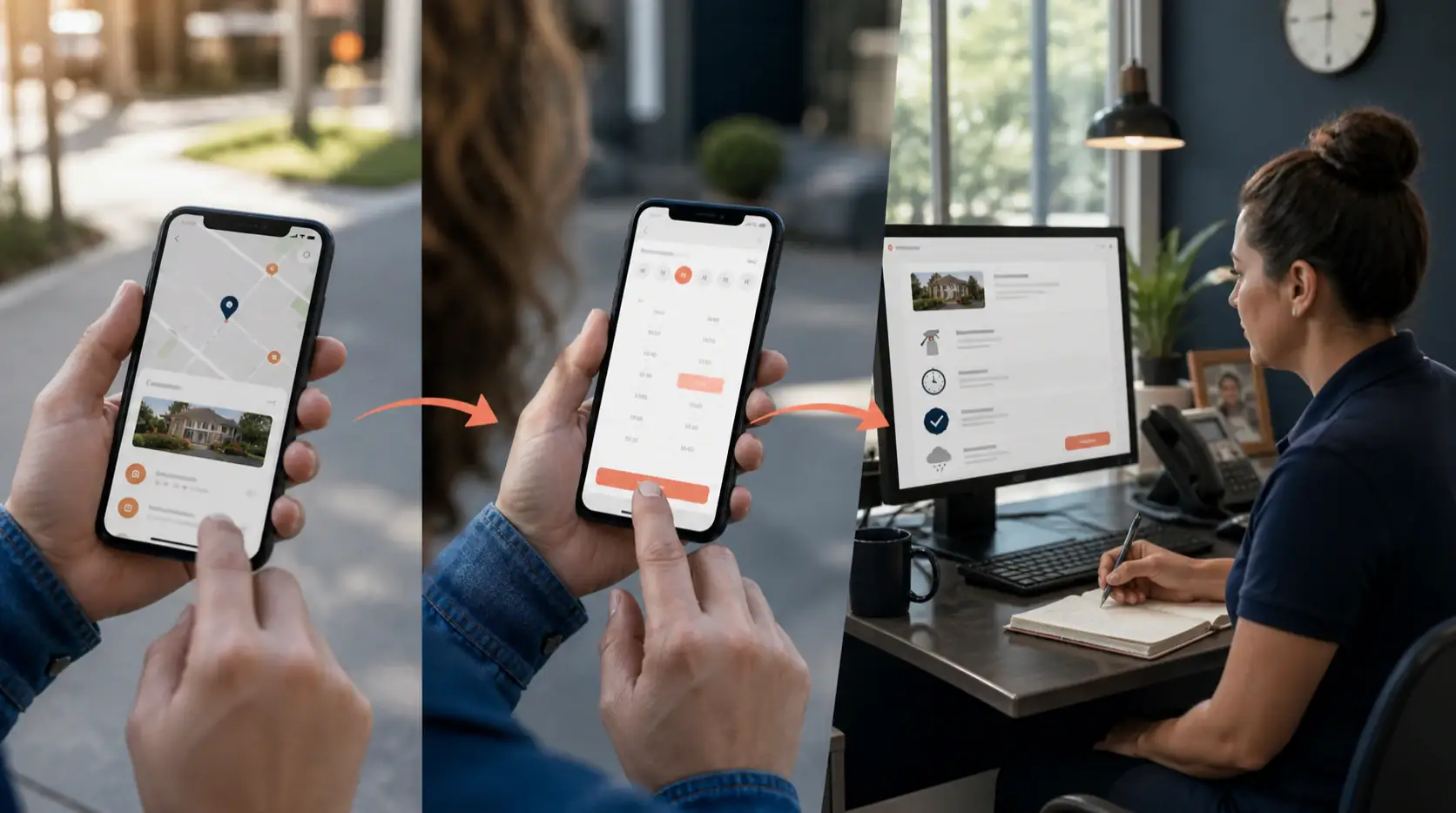
A person taps Book on a location profile and lands on a national scheduler. The nearest branch is preselected incorrectly, the service shown is not offered there, and the first available time belongs to another time zone. Analytics records a successful click. The customer experiences a broken promise.
Create a link register with profile and location IDs, transaction type, destination, preferred status, provider, service scope, supported language, time zone, tracking parameters, consent behavior, owner, health check, fallback, and retirement date. One domain can still contain many distinct journeys; inspect the final landing state, not just the hostname.
Swipe to compare every column
| Journey point | Pass condition | Failure to catch |
|---|---|---|
| Profile link | Correct location and action | Generic homepage or wrong branch |
| Scheduler | Real service and live availability | Inventory the branch cannot honor |
| Confirmation | Time, place, service, and next step | Silent success with no record |
| Recovery | Human contact or safe retry | Dead-end provider error |
02
Treat third-party links as part of the public profile
Google supports menu, service, booking, reservation, food-ordering, and shopping links where eligible. A profile can contain business-added and third-party provider links, and the business can mark a preferred link. Review the public result regularly because an automatically sourced provider may become the most visible route.
The destination must be crawlable for verification and relevant to the represented business. Avoid redirects that lose location context, interstitials that block automated access, expired campaign URLs, and shared links that depend on a cookie from an earlier visit.
03
Test the transaction, not the button
Run synthetic bookings for each location, service class, device, and meaningful consent state. Check correct time zone, accessible labels, appointment duration, capacity, price or deposit, cancellation terms, confirmation, reminders, rescheduling, CRM creation, and suppression of duplicate submissions.
Test provider outage, no availability, a closed location, expired authentication, a service removed at one branch, and a customer who needs a person. A preferred link needs an owned fallback plan even when the booking technology belongs to a vendor.
04
Measure whether the visit became a kept appointment
Connect profile source, destination, booking ID, location, service, confirmation, attendance, cancellation, qualification, and revenue where appropriate. Keep source confidence visible; browser privacy and provider handoffs can make some attribution incomplete.
Monitor link health, wrong-location bookings, completion, provider errors, time to appointment, cancellations, no-shows, attended appointments, and customer reports. The local link earns its place when it helps a person complete the intended action with the intended business.
Primary sources and further reading
Use the source material to validate details against your own context and current platform configuration.
- Google: Manage your local business links
- Google: Business links policies and guidelines
- W3C Web Accessibility Initiative: Forms tutorial
This field note follows the XenGrowth editorial policy: primary sources where available, visible limitations, material review dates, and no invented first-hand experience.
Stay with the problem